

Kreateur’s Digest / MEDIA EDITION / Issue 002
Liquid Atelier: keep a moment in motion.
A free canvas for flowing color, mineral-inspired palettes and the small pleasure of making an image you did not plan.
Open Liquid AtelierLiquid Atelier is a Kreateur Media experience. This release is published on Kreateur Media; it is an introduction to our own work, not an independent review.
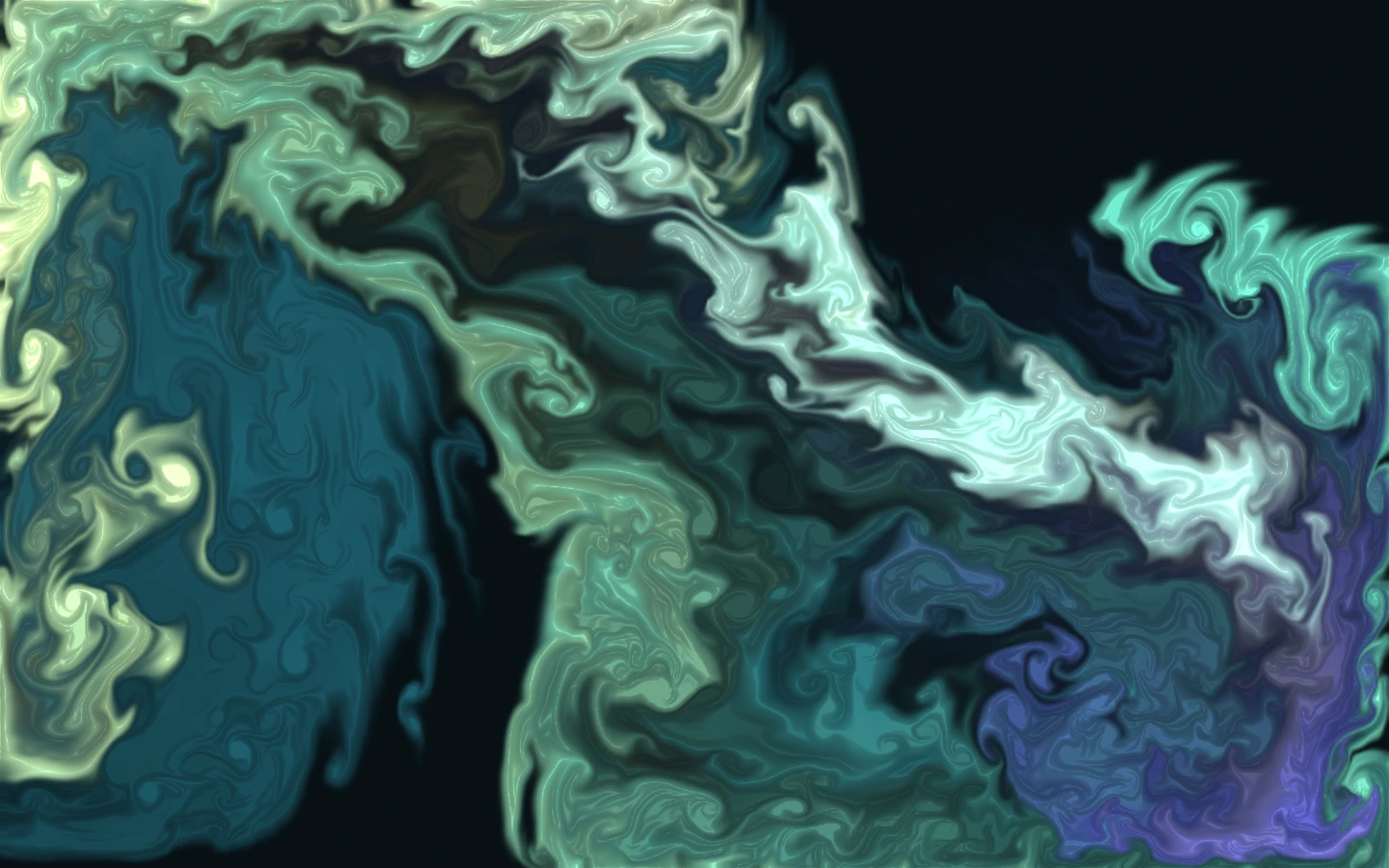
The most interesting part happens just before you decide to stop. A pale ribbon folds into blue. A dark pocket opens where you expected another swirl. For a second, the whole composition holds together. You freeze it. That is the picture.
Liquid Atelier is a free browser-based abstract painting experience by Kreateur Media. Move a finger or mouse across its canvas, work with eight mineral-inspired palettes, then download a watermark-free PNG. There is no prompt to write and no image to upload. You make the marks; a fluid simulation carries them somewhere you could not draw one stroke at a time.
A little direction. A little surprise.
Most drawing tools put a line where your hand goes. Here, a gesture also leaves momentum. Color curls, stretches and gathers around the marks already on the canvas. The pleasure is in the conversation between an intention and what comes back.
The studio starts with the flow frozen. You can look before you act. Add a mark, change its scale, then choose “Let it flow.” Watch what happens at the edges rather than the center. When one shape becomes more interesting than the movement around it, choose “Freeze flow.” You can keep adding color while it is still.
Borrow a palette from the mineral world.
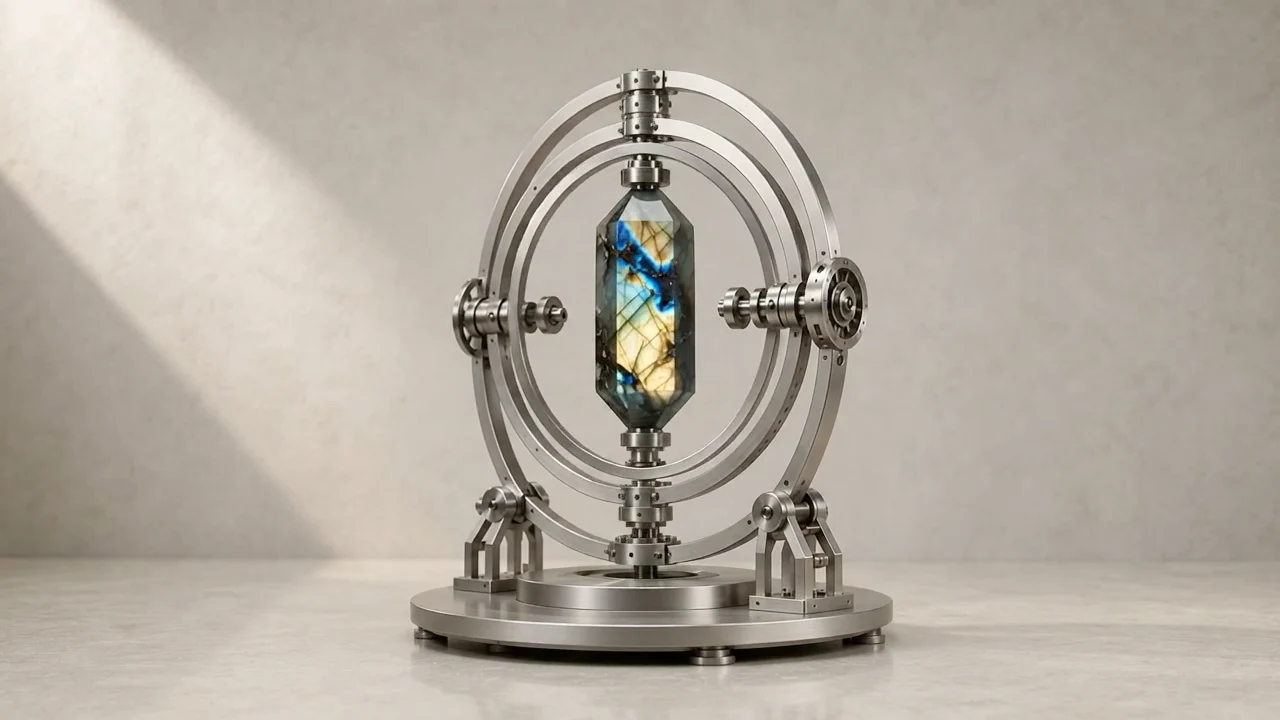
Labradorite brings together blue, green and warm gold. Malachite moves through greens. Rose quartz introduces pinks and muted violet; Amber leans toward gold and rust. Amethyst adds violet and lilac, Aquamarine brings ice blue and sea glass, Carnelian introduces ember and terracotta, and Moonstone offers pearl and silver blue. These are artistic palettes inspired by minerals, not a simulation of crystal chemistry or optical properties.
Choose any palette to immediately recolor the whole artwork without changing its shapes. You can compare palettes while the flow is frozen, then keep painting in the one you prefer. Try leaving a dark area untouched. Empty space gives the brighter currents somewhere to go, and it can make an image easier to use behind a clock, a headline or a few words.
Your first study, in a few moves.
Start with Labradorite and a medium brush. Make a short curve near one side of the canvas. Choose “Add color” if you prefer a button to drawing. Turn on the flow briefly, then freeze it. A fine brush adds detail; a broad brush changes the balance. The Flow control adjusts how strongly the color curls.
Next, choose a format for the place the image will live. Portrait exports at 1350 × 2400 pixels, landscape at 2400 × 1500, and square at 2000 × 2000. Changing format fits the composition to new proportions, so check the result before saving. Choose “Download artwork” when it feels finished.
For keyboard painting, focus the canvas, use the arrow keys to move the marker and press Space to add color. On a touch screen, tap or draw inside the canvas; scroll beside it to continue down the page. “New canvas” asks before clearing your work.
Give the image somewhere to live.
Make a phone wallpaper with the brightest shape below the clock. Build a square background for a post, leaving a quiet area for the words you will add in your design app. Try a wide composition as a desktop background or a starting point for a mood board. The studio exports the artwork itself; it does not add typography or assemble a finished social post.
Or make something with no assignment. Save three versions of one composition as it changes. Put them beside each other later. Often the image you nearly passed over is the one you want to keep.
A temporary studio. A file you can keep.
This release is designed as a 180-day creative experience. The countdown below marks its live window. Download anything you want to keep before leaving: the studio does not save your session, and refreshing or closing the page can discard the canvas.
Painting and PNG export happen on your device. Liquid Atelier does not upload your artwork or require an account. It needs JavaScript and a browser with WebGL graphics support. If the live canvas cannot run, the article and its example artwork remain readable.
The source of the flow.
Liquid Atelier adapts Pavel Dobryakov’s WebGL Fluid Simulation, an MIT-licensed open-source project. Kreateur Media created the studio interface, mineral-inspired palettes and export workflow around that engine. The original repository is the place to explore the underlying project, its license and its creator’s work.
There is a useful tension here: the studio is temporary, but making something does not have to end when the tab closes. Take a little time. Find a shape you did not expect. Keep that moment.
Follow the flow to its source.
The original MIT-licensed fluid engine by Pavel Dobryakov:
View WebGL Fluid Simulation on GitHubHeader artwork: A Labradorite palette study made and exported in Liquid Atelier. Experience and article by Kreateur Media.